
opus 5.5 video guide: 复刻 Clawd 从终端走进应用的完整 Living Screencast
先打开H3Max Opus 工具入口作为参考入口。但要先分清工具入口和代码复现:H3Max 页面入口不代表网页能够运行 Git 仓库、本地终端或这套构建脚本。下面的复现需要你自己配置本地开发环境。
作者在仓库中声明由 Claude Opus 5.5 编写制作代码;本文没有独立核验这些模型会话,也不把作者成片当成 H3Max 的运行结果。
这个案例来自 LemoLab 的 Clawd Moves In。你可以先查看已归档的作者成片,也可以直接下载作者发布的 living-screencast.mp4。它是一支 59.4 秒的非官方 fan film:Clawd 从终端标志里“活过来”,进入 Claude app ,再一路带观众经过 prompt 、Plan 、diff review 和 self-check 。
这不是屏幕录像。作者的 Living Screencast 视觉契约明确说明,窗口、菜单、diff 、按钮都用 HTML/CSS/SVG 重绘;高分辨率 UI 与低分辨率像素角色同时存在。软件里的 Plan 、+24 −3、测试数字等也是作者演示内容,不应被当成实时产品测评。
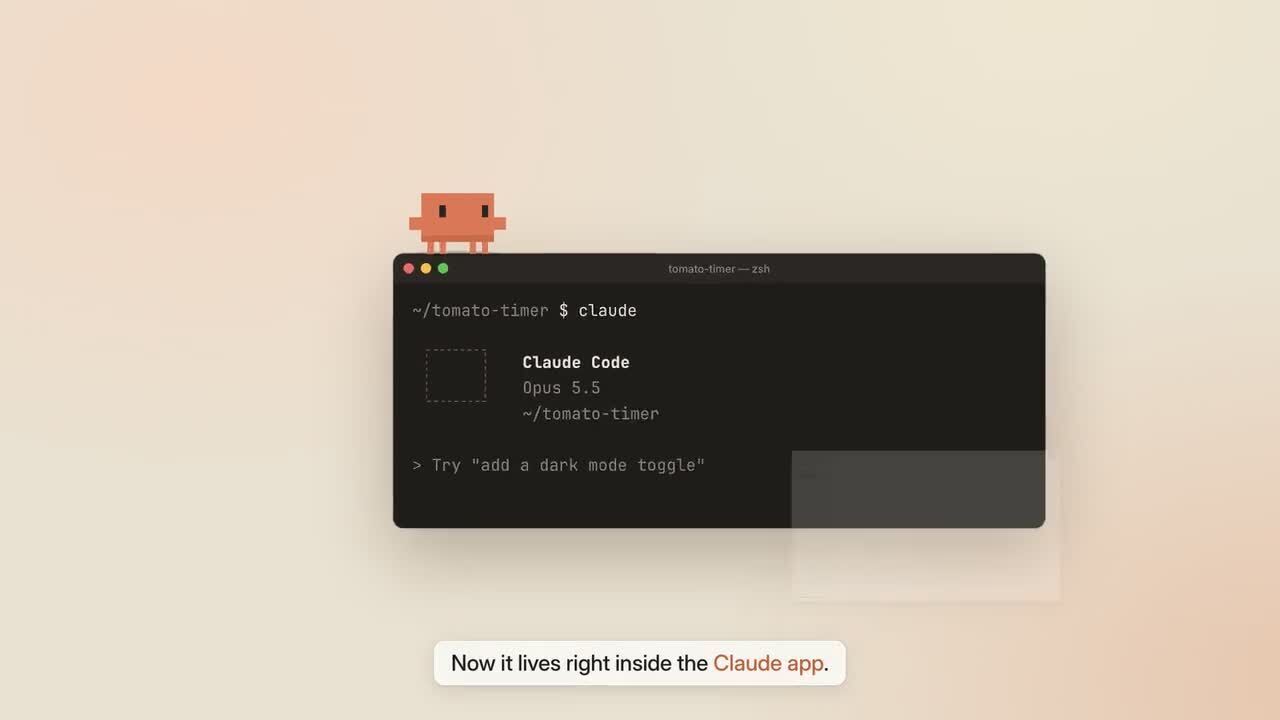
《 Clawd Moves In 》原片 7.128 秒截帧。来源与署名:LemoLab ;该作品为非官方 fan film 。
先看源码,不要先改坐标
从进入 Lemo OpusCar 源码仓库开始。重点看:
demo/film.js:绝对时间线、镜头、Clawd 、Cursor 、声音事件,以及W(id, word);ui.js:界面状态;clawd.js:像素角色与道具;main.js:DOM anchors 、camera 、motion blur 、HUD ;- 配音脚本( Python 文件,名称见下方完整提示词):配音、音乐和 foley 。
Clawd 的关键落点来自 DOM 几何,而不是凭眼睛写死坐标。这一点尤其重要:窗口尺寸、面板宽度或 camera 一改,手填坐标就可能让角色悬空。
条件准备:先确认本机已有 Git 、Node 20+、FFmpeg/ffprobe ,以及 Python 3.11–3.13 或 uv 。使用新目录或已核查的副本,不覆盖既有工程;保留 package-lock.json 、字体和音色来源记录。以下命令是读者操作指引,本文没有据此宣称安装、渲染或复现成功。
源码准备可按下面执行:
git clone https://github.com/lemomo-ai/lemo-opuscar.git clawd-case
cd clawd-case
export LEMO_OPUSCAR_HOME="$PWD"
sh plugin/skills/lemo-opuscar/scripts/setup.sh deps voice
for BANK in salamander freepats karoryfer vcsl vsco2ce; do
  sh tools/fetch.sh instruments "$BANK"
done
mkdir -p evidence
D=styles/living-screencast/demo
git rev-parse HEAD > evidence/clawd-commit.txt
npm ls --depth=0 > evidence/clawd-dependencies.txt
五个音色库 salamander / freepats / karoryfer / vcsl / vsco2ce 都应保留。先记录当前 commit 和依赖,再复现。作者当前源码描述为 59.4 秒、30 fps;只有在你核查当前源码仍如此之后,才能据此得到 59.4 × 30 = 1782 个画面帧。
给 coding agent 的主提示词
下面是本教程新写的复现提示词,不是作者原始 prompt 的恢复稿:
Reproduce and analyze Clawd Moves In from the living-screencast demo source.
Inspect the current commit, locks, STYLE.md, DEMO.md, CREDITS, core APIs,
and demo/build.sh. Read the author MP4 and actual local files first.

Keep it an attributed unofficial fan-film reproduction. Do not claim the
reconstructed UI is a real recording or that its tests ran on H3Max. Preserve
Clawd's terminal-to-app journey, the existing chapters, and coherent demo data.
Report discrepancies with current product documentation without inventing new
features. No replacement stock footage or external image/video generation.

Inspect film.js, ui.js, clawd.js, main.js, voice files, word timings, and sound.py.
Explain the dependency plan and source duration/fps before building. Use the
source's 59.4 seconds and 30 fps only after checking them.

Keep crisp pixel-grid acting, a smoothly moving cursor, and a continuous camera.
Measure DOM anchors so Clawd lands on real element edges. Reserve text-free
space for the mascot and captions. Derive all scene state from absolute time;
reverse and arbitrary seeks must reproduce the same state in this environment.

If speech is regenerated, review every line and its word times before relying
on W(id, word) cues. Preserve original credits and fan-film disclosure. Use the
actual build/export interfaces. Save model/provider/effort logs, prompts,
modifications, frame checks, and the full output. Do not publish or report
an untested reconstruction as successful.
核对 Clawd Moves In 章节说明时,要保留“终端 → 应用 → prompt → Plan → Review → self-check”的完整因果链,而不是只做几个孤立 UI 动画。
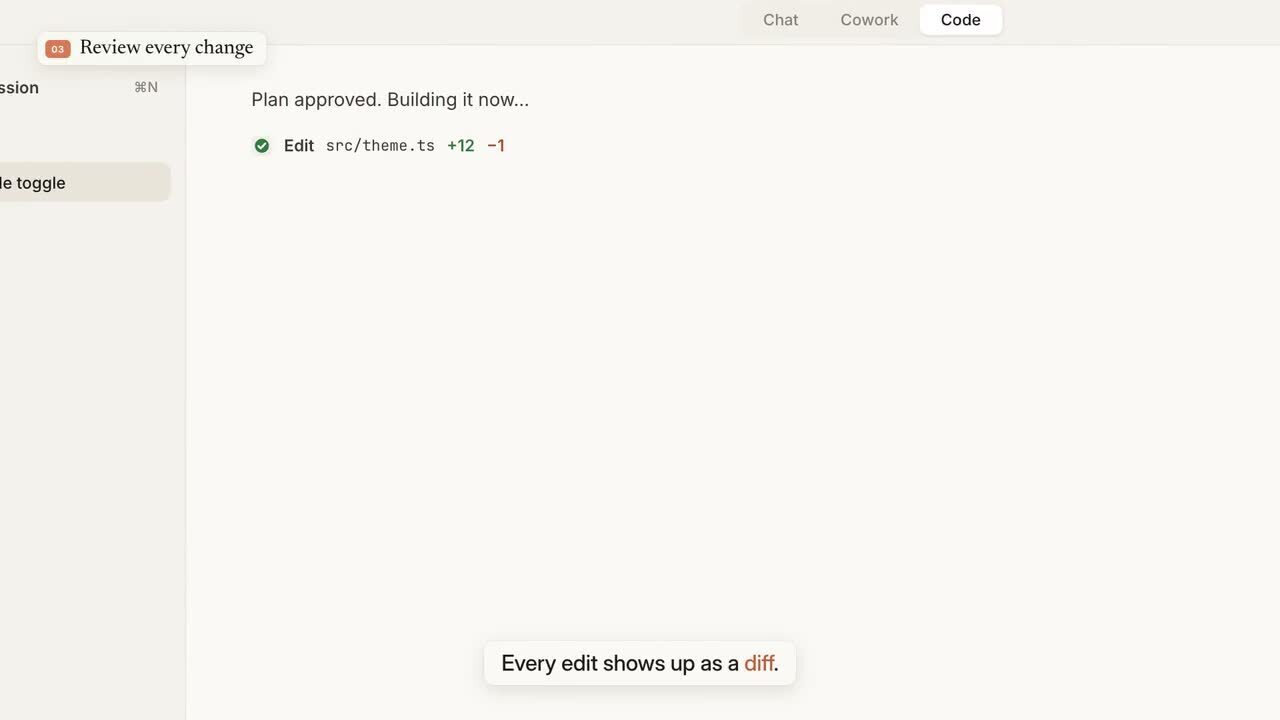
《 Clawd Moves In 》原片 28.512 秒截帧。这里看到的是重绘的软件演示,不是实际编码会话的录屏。
--vo 决定是否重建配音
查看原始构建脚本后再运行:
sh styles/living-screencast/demo/build.sh --vo
--vo 会重新合成并检查 narration ;如果不加它,就需要已有可用 voice assets 。当前脚本实际是 --fps 30 --workers 6,也就是 6 个 capture workers。不要虚构 --workers 之类的新命令行参数。
重建配音后,W(id, word) 对应的单词时间可能变化,因此不能只确认字幕文字一样。要同时听产品名称、keypress 、Clawd 落地声和 caption hold ,避免音效盖住单词起音。
静帧只能发现一部分问题
先抽取源码中的检查点:
node core/render/still.mjs "$D" 0 8.9 23 32 40.9 56 \
  --out evidence/clawd-stills
然后再检查每次 takeoff 、landing 、菜单打开、pane transition 前后的相邻帧。
修复时不要凭感觉把 Clawd “挪几像素”。重新测 DOM anchor ,确保它真的站在 input 、菜单、diff line 、button 等元素顶边。所有 scene state 应由 absolute time 推导;如果向后 seek 后画面不同,优先排查累计状态或 reset 缺失。
最后检查输出,而不是宣称复现成功
ffprobe -v error -count_frames -show_streams -show_format -of json \
  styles/living-screencast/living-screencast.mp4
ffmpeg -v error -i styles/living-screencast/living-screencast.mp4 -f null -
核对实际帧数、时长、音轨、字幕和片尾 fan-film 标识。网页下载版与本地重新编码的文件可能参数不同,所以不要宣称 byte-identical 。
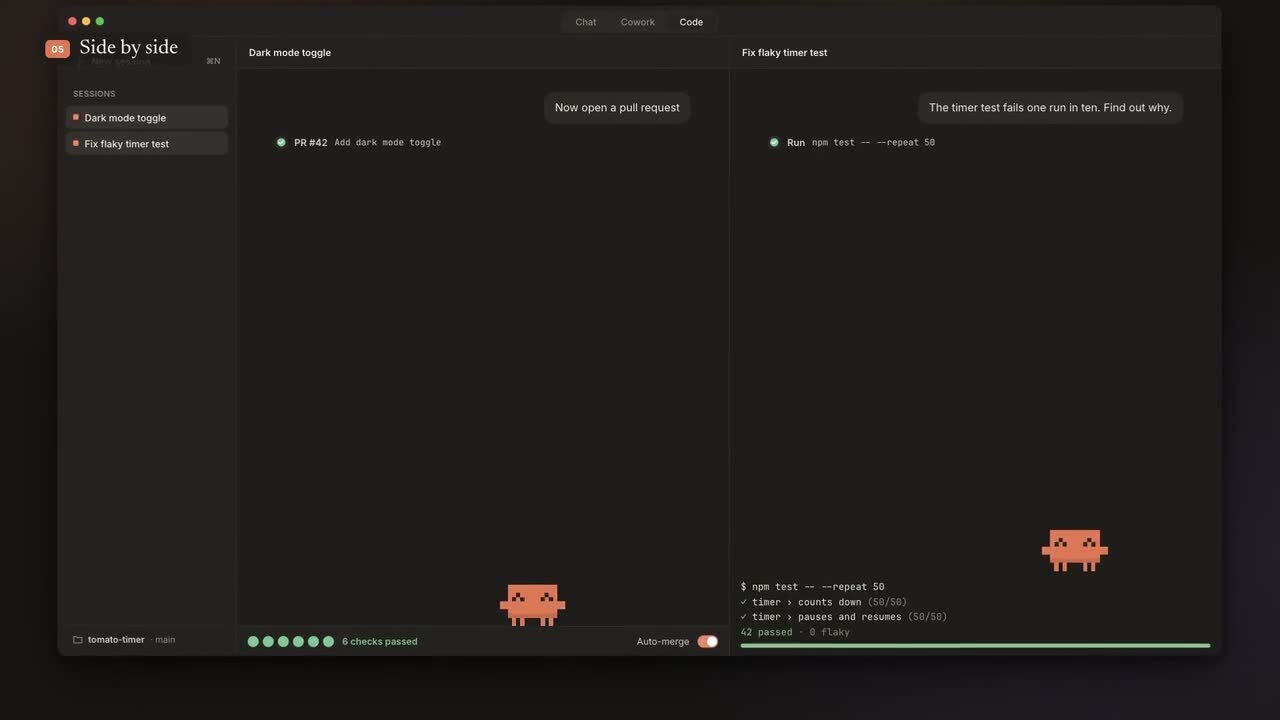
《 Clawd Moves In 》原片 48.114 秒截帧。继续保留 LemoLab 署名,并区分动画界面与真实操作。
授权也不能省略。检查字体与音色授权清单可以看到 Inter 、Newsreader 、JetBrains Mono 的 OFL ,以及钢琴、鼓组和 CC0 素材来源。MIT 代码许可不会自动覆盖第三方字体、音色,也不会重新授权 Anthropic 的 Clawd 角色与界面身份。
完成复现后,可以回看飞书中的作者影片归档逐章对照,但那个文件始终是作者成片,不是我们的本地输出。
本文为 H3Max 运营参考内容,经 AI 协助整理与人工核对;未在本地执行此项目,也不代表 H3Max 实测。